
The service
The hardware is off the shelf. The program is not.
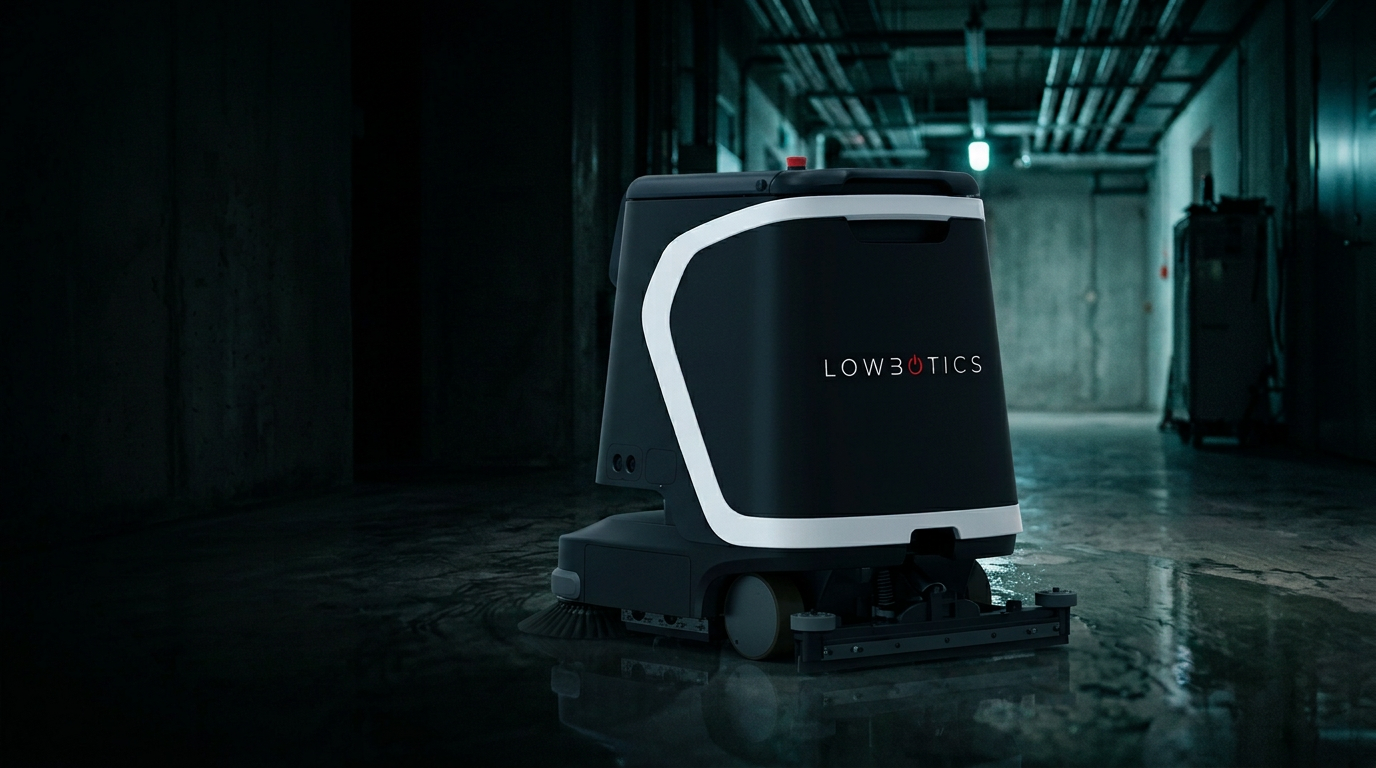
We resell vetted OEM autonomous floor-care hardware — primarily the Gausium Phantas, a compact quad-modal machine built for high-traffic, tight-turn environments, along with Pudu CC1 and CC3 units. What we build ourselves is everything that keeps those machines working: the deployment method, the training SOPs, the technician network, and the fleet oversight.
The machines
One compact platform, matched to the floor plan.
We scope the unit to the site rather than the other way around. Every machine runs the same deployment sequence, the same training SOPs, and the same service commitment.
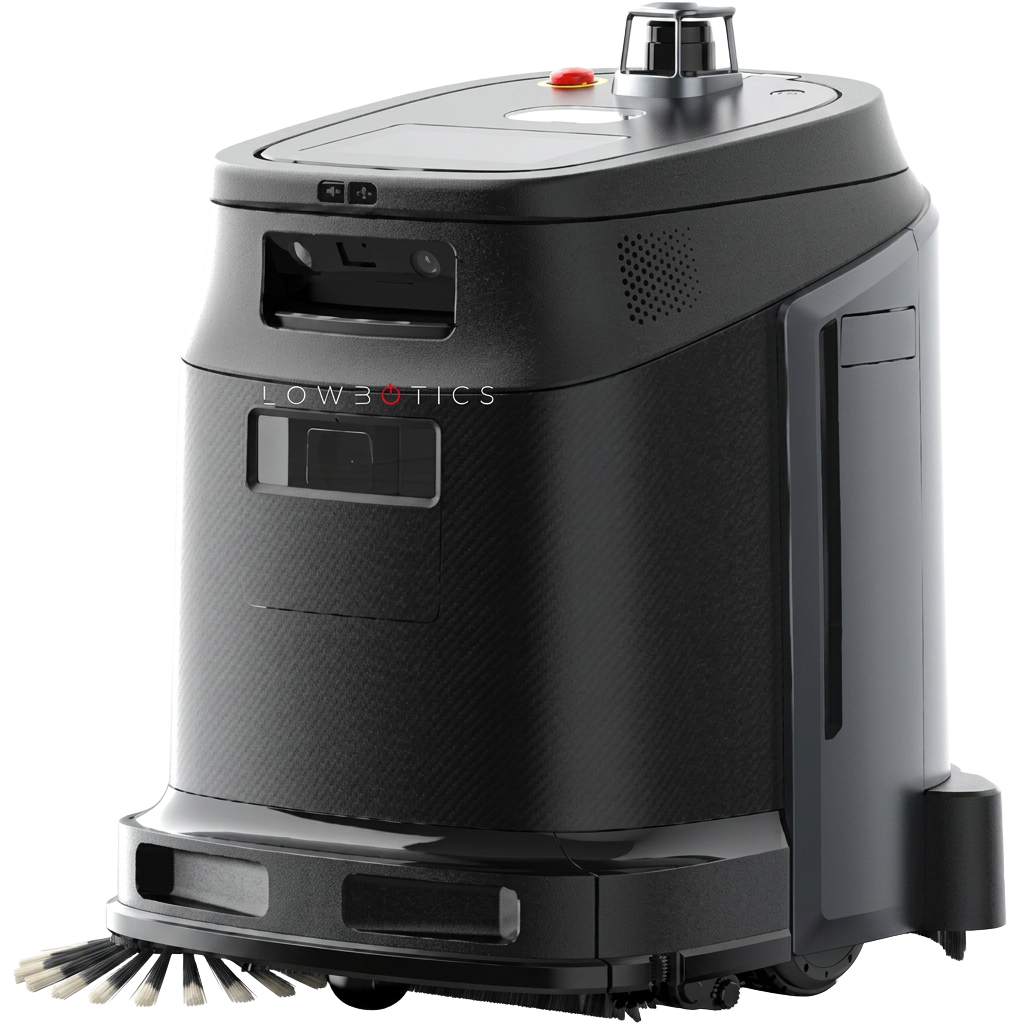
Tight-turn compact scrubber
Walk-behind footprint that fits front-of-house floor plans and c-store aisles. Roof-mounted lidar, red emergency stop on the deck, side brush and squeegee assembly at the floor line.
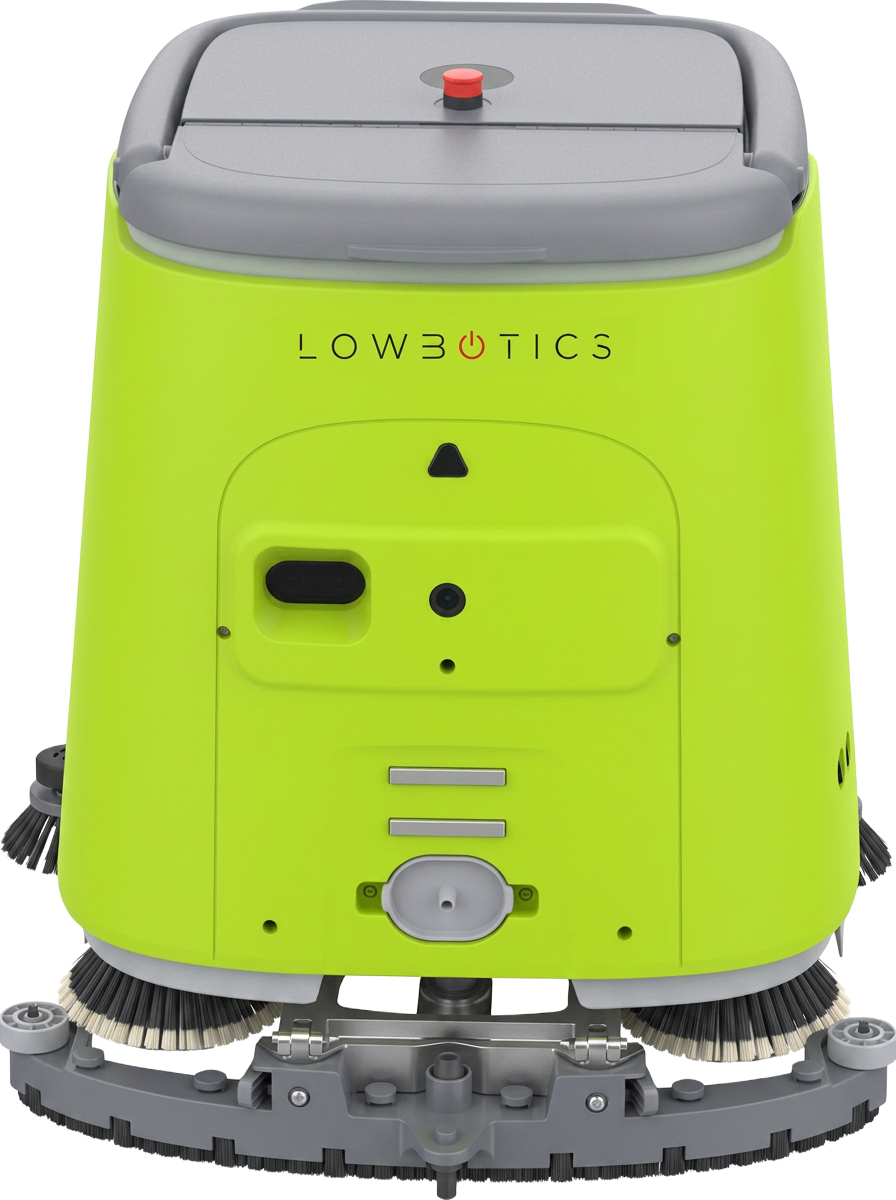
Same platform, high-visibility body
Identical drivetrain and cleaning head in a high-visibility body for busy public areas. Front safety light band, disc brushes and rear squeegee, docks and recharges unattended.
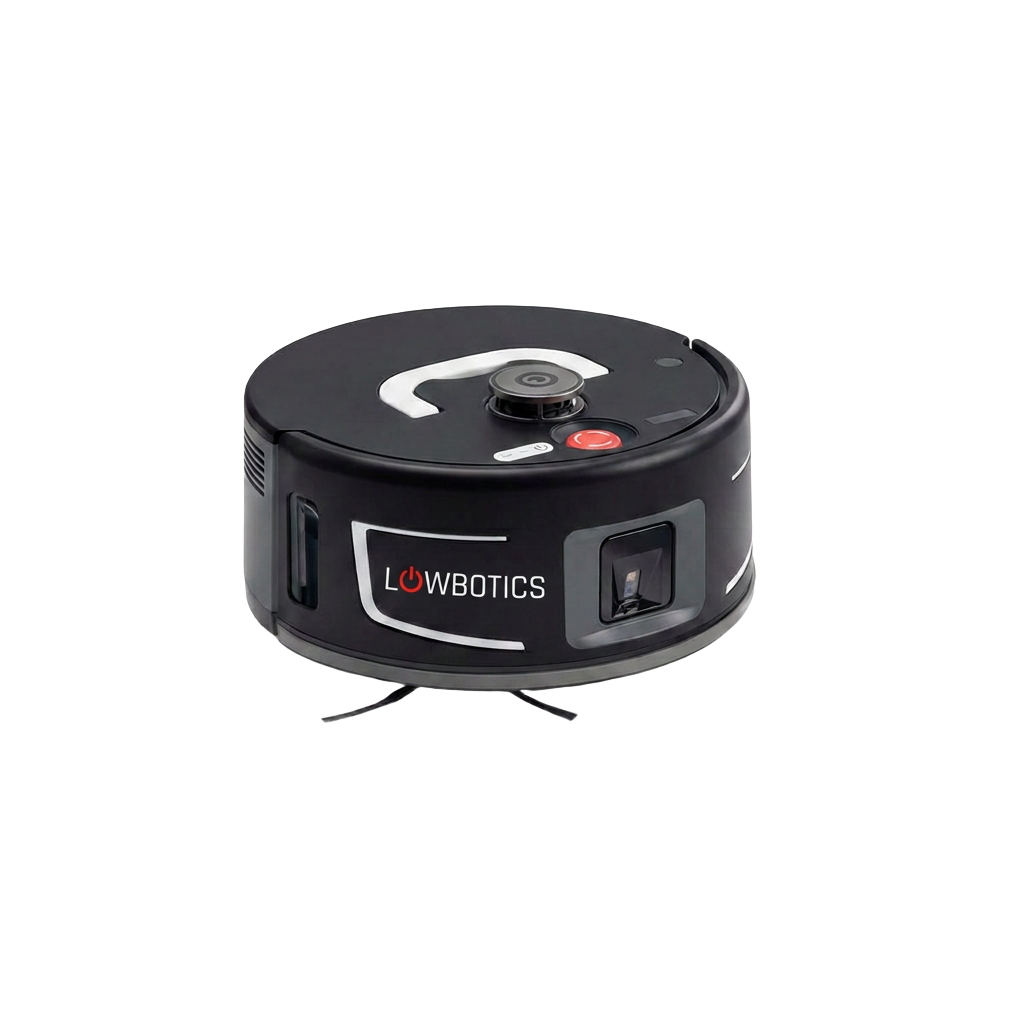
Low-profile disc unit
Puck-height chassis for lobbies, atriums and under-fixture work where a walk-behind footprint will not fit. Top sensor turret, side obstacle windows, red emergency stop on the deck and dark disc brushes underneath.
Deployment sequence
Eight steps, every site, every time.
- 01
Deliver, power up, test
Units arrive from our Dallas staging warehouse on our own fleet. Nothing is left in a box for your team to assemble.
- 02
Map the working spaces
We map each cleanable zone on site and store the map in our master database, so a replacement unit inherits the same route.
- 03
Connect and validate
Cloud connection over site WiFi, then a validated run before sign-off.
- 04
Train your staff
Initiating cleans, consumable replacement, and daily checks — against an SOP we develop jointly with your operations team.
- 05
Post support on the machine
Helpline number and QR support instructions live on the unit itself, where the person with the problem is standing.
- 06
Check in at day 1 and day 30
In-person visits the day after install and again at thirty days, when the real usage questions surface.
- 07
Quarterly PM visit
A technician performs preventive maintenance and refreshes staff training, accounting for turnover.
- 08
Break/fix and hot-swap
On-call response. Major repairs move off-site with a hot-swap unit left in place so the floor plan never goes uncovered.
When something breaks
The 2 a.m. path is already written.
Your associate doesn't diagnose a robot. They scan the code on the machine or call the help desk, and the escalation runs without them.
- 01Help desk triage — first contact, logged as a ticket
- 02Level 1 support attempts remote resolution
- 03Technician dispatched to site
- 04On-site repair performed out of customer sight
- 05If unrepairable, hot-swap unit installed and the machine goes to the depot
Remote monitoring
Fleet telemetry reviewed so a technician can be dispatched before a machine goes down, not after a site calls in.
Reporting you can forward
Management dashboards and ticket history per site, per unit — the evidence your operations leadership asks for at renewal.
Commercials
Hardware purchase or lease, wrapped in a managed service agreement with a defined response commitment. Service is quoted per deployment.
Want the deployment plan for your sites?
Tell us the footprint, floor types, and hours of operation. We'll come back with a site plan and a pilot scope.
Start the conversation